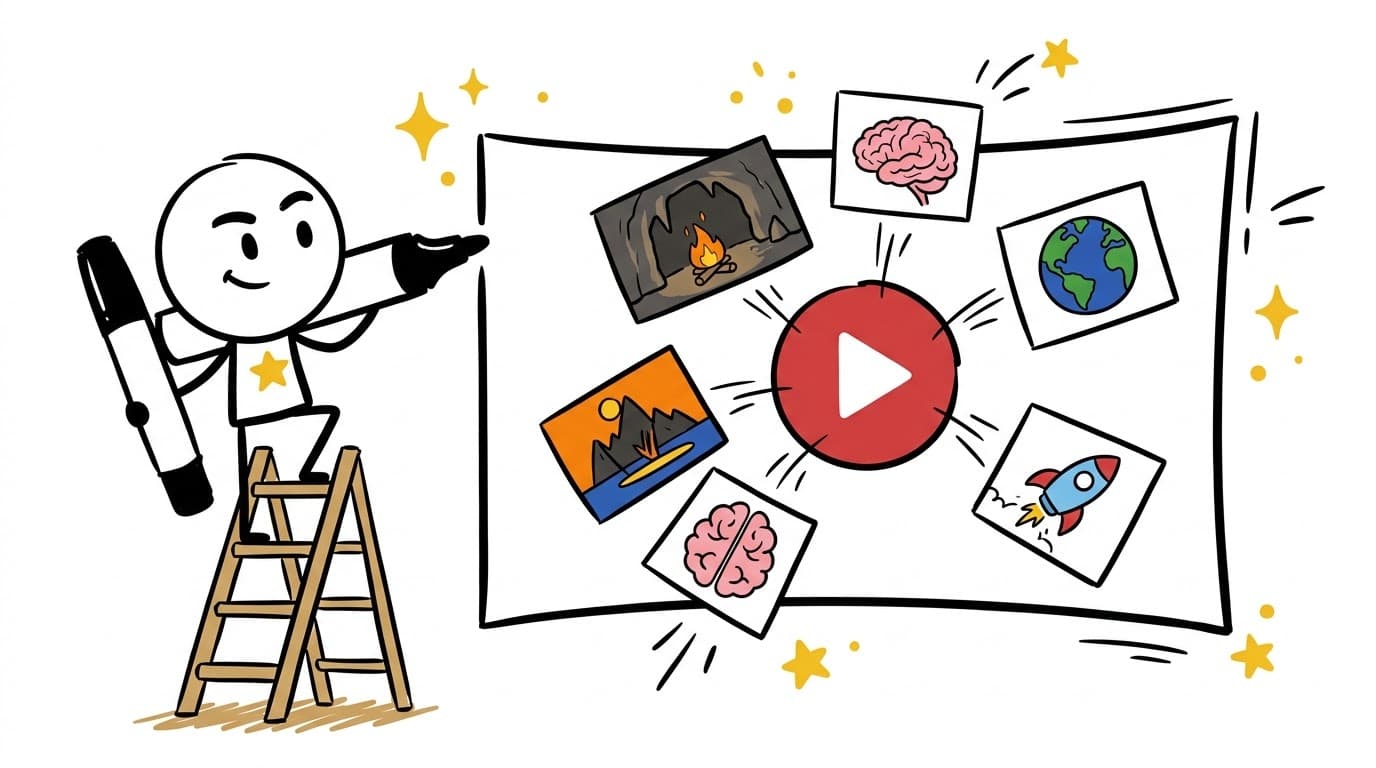
The traditional 5-tool workflow vs unified AI
Traditionally, a faceless creator had to: write a prompt in ChatGPT, copy the text into ElevenLabs, export audio, import into an editor like Premiere or Doodly, find clip art, align keyframes, and export.
DoodleReel unifies this entire pipeline into one tool: scriptwriting, voiceover, custom drawings, subtitles, and direct-to-YouTube publishing happen in a single automated step.
- Scriptwriting: Structured for viewer retention and narrative arcs
- Voiceover: Built-in natural narrators (zero external TTS subscriptions)
- Visuals: Continuous hand-drawn doodle animation generated per scene
- Metadata: AI-crafted titles, descriptions, and tags for YouTube SEO
One topic in. All of this out.
A real video made with DoodleReel — plus the 9:16 Short, thumbnail and YouTube text that came with it.
16:9 video · 1080p
Script, voice and every drawing — from one sentence
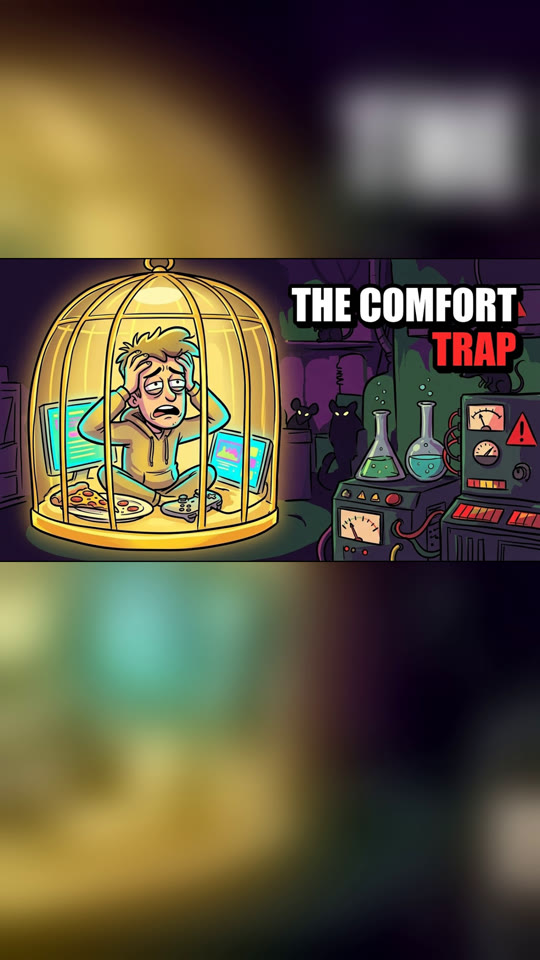 SHORTS
9:16 Short

Thumbnail
YouTube SEO
Why Infinite Comfort Is Silently Breaking Your Brain
Description · chapters · tags
5 title ideas free · plans from $29/mo, billed yearly
Essential companion tools
For channel analytics and keyword research, tools like Google Search Console, VidIQ, and TubeBuddy help identify underserved search queries.
For community and multi-platform distribution, scheduling tools let you cross-post the auto-generated 9:16 Shorts to TikTok and Instagram Reels.
Questions
Do I need expensive video editing software?+
No. DoodleReel renders a complete, broadcast-ready MP4 file directly from your browser.
Can I connect my YouTube channel directly?+
Yes. DoodleReel integrates with YouTube OAuth so you can publish videos with one click.
Keep reading
Guides
How to start a faceless YouTube channel, step by step
Guides
What is a doodle video?
Guides
5 YouTube title formulas that work for explainer videos
Use cases
The AI doodle video generator that makes the whole video
Use cases
Whiteboard-style explainer videos without drawing a single line
Use cases
Faceless YouTube videos people actually finish